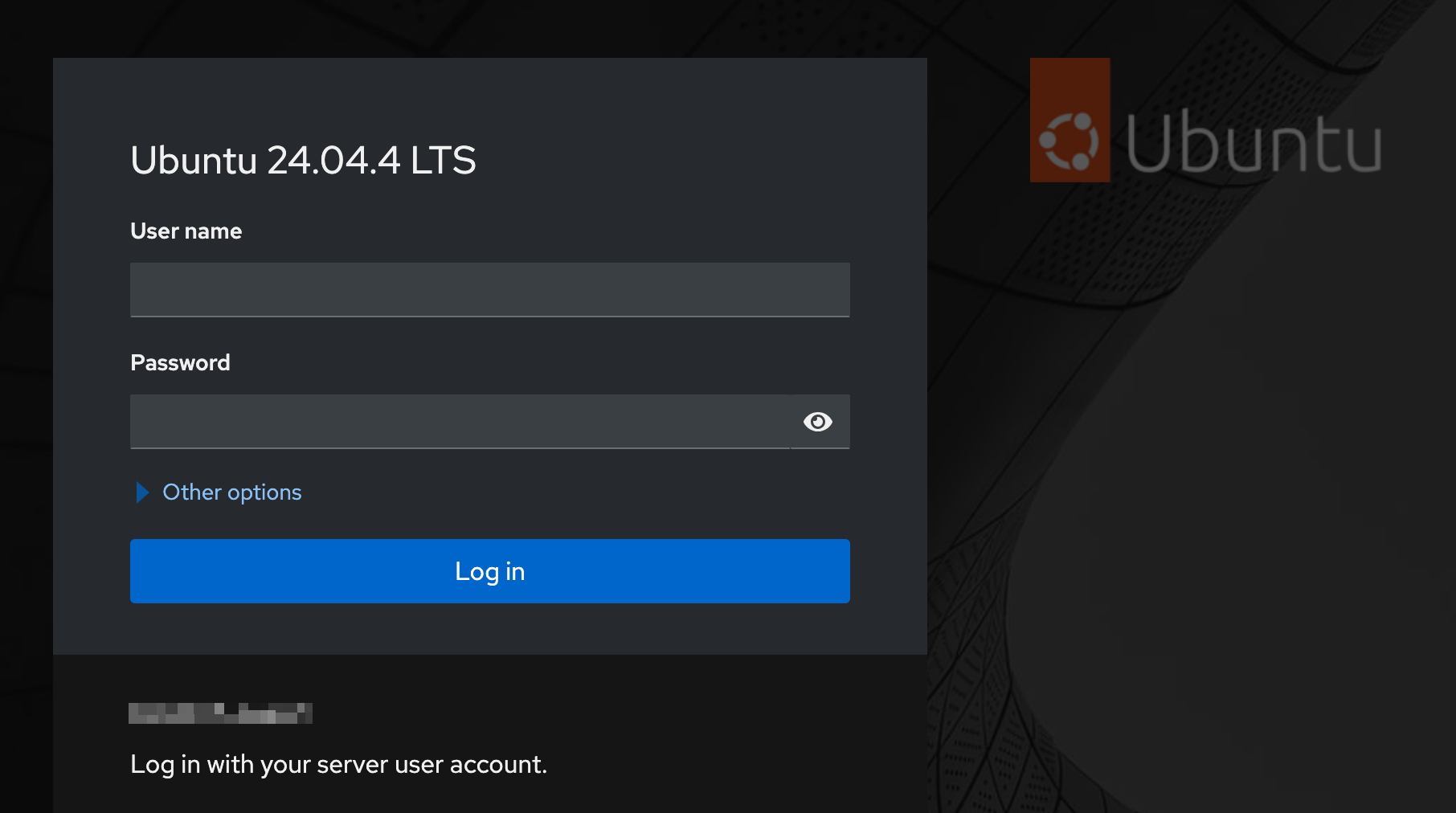
Continuing with the setup of my DIY NAS with a twist, once I had most of the storage shide of things figured out, I started to work on a way to easily manage it all, a NAS is only good if you can share all the storage provides, this requires managing samba/nfs shares, managing user access to the shared folders, file management and so on.
I figured I can make this as easy as possible for myself, that is where cockpit and docker came to mind.\
Read the other parts:
Part 1: A DIY NAS with a Twist
Part 2: MergerFS + SnapRaid: Installation and Setup
Part 3: Automating SnapRAID Sync Tasks
Here are my notes on setting this up:
Web Based Management with Cockpit
Cockpit is a web-based graphical interface for servers, intended for everyone, especially those who are: > new to Linux, familiar with Linux, and want an easy, graphical way to administer servers; expert admins who mainly use other tools but want an overview on individual systems > Cockpit Project/
Install cockpit:
Note: is recommended to use the backports repo which provides newer versions.
. /etc/os-release
sudo apt install -t ${VERSION_CODENAME}-backports cockpit
Install the cockpit-identities management tool by 45Drives:
sudo apt install cockpit-identities
Install cockpit file sharing by 45Drives:
sudo apt install cockpit-identities
Go to the webui:
https://your-ip-address:9090

Creating the Shared Folders
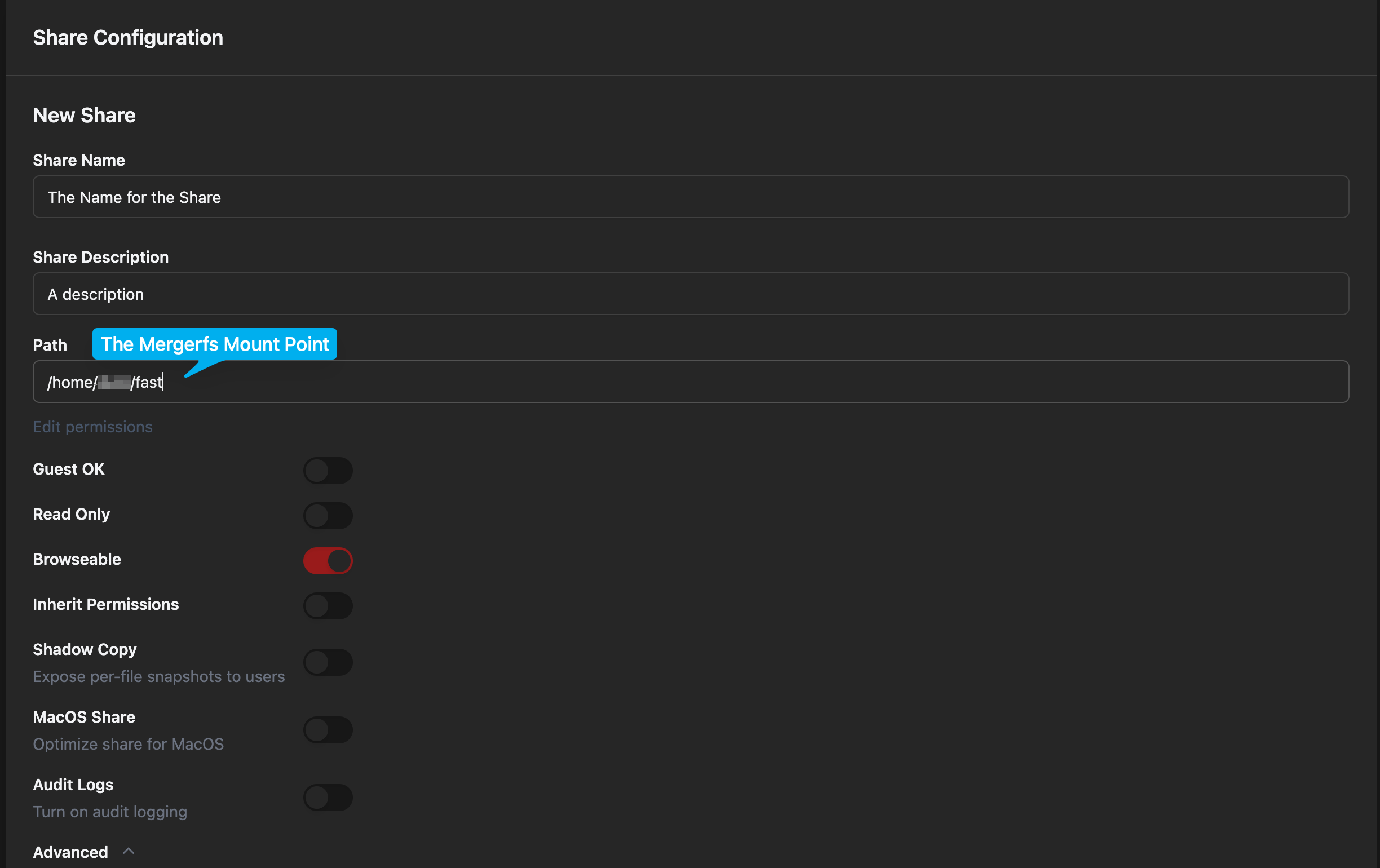
Login to cockpit, go to File Sharing and create the shares, point it to the MergerFS Pooled Storage Mount
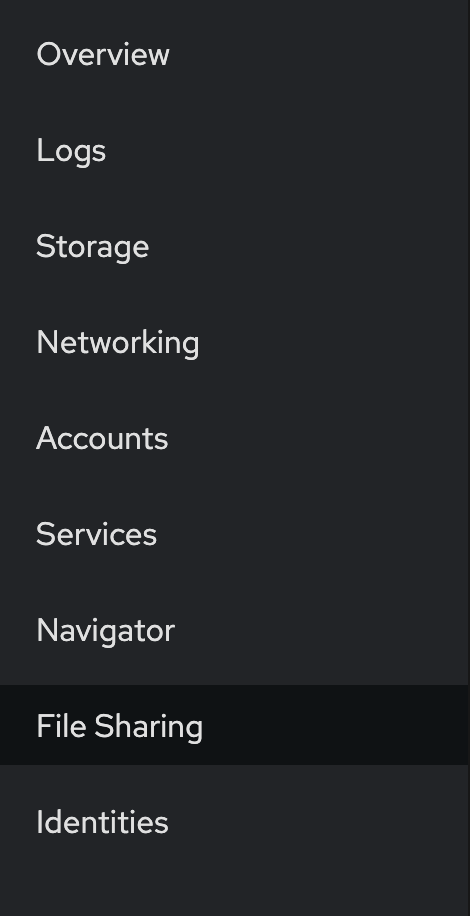
Go to File Sharing:
Create the new share:

Managing the User Access to Shared Folders
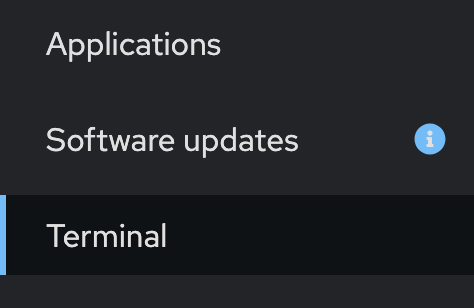
Crete a new sambauser via terminal in cockpit
# change sambauser to desired username
sudo useradd -M -s /sbin/nologin sambauser

# -M → no home directory
# -s /sbin/nologin → prevents local/SSH login
In cockpit go to identities » users
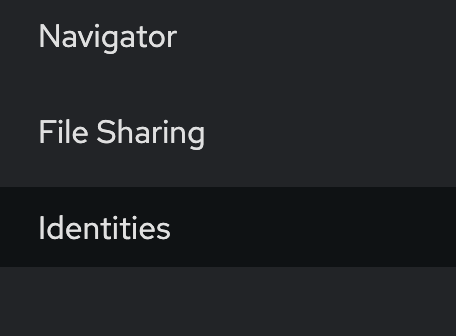
Edit the sambuser to allow access to samba shares
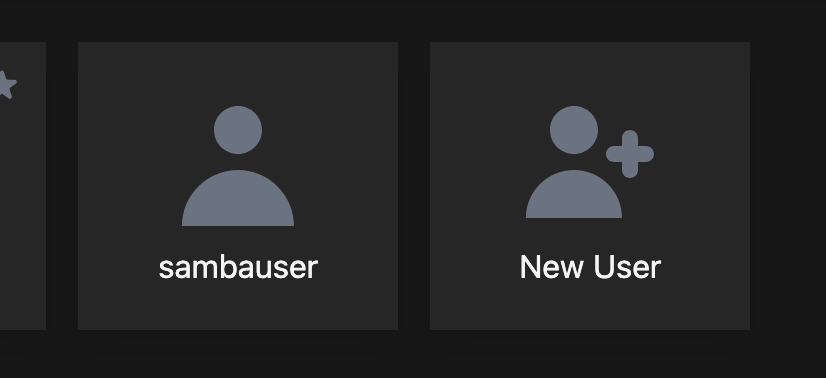
Click on sambauser, ignore the error popus and create a samba password
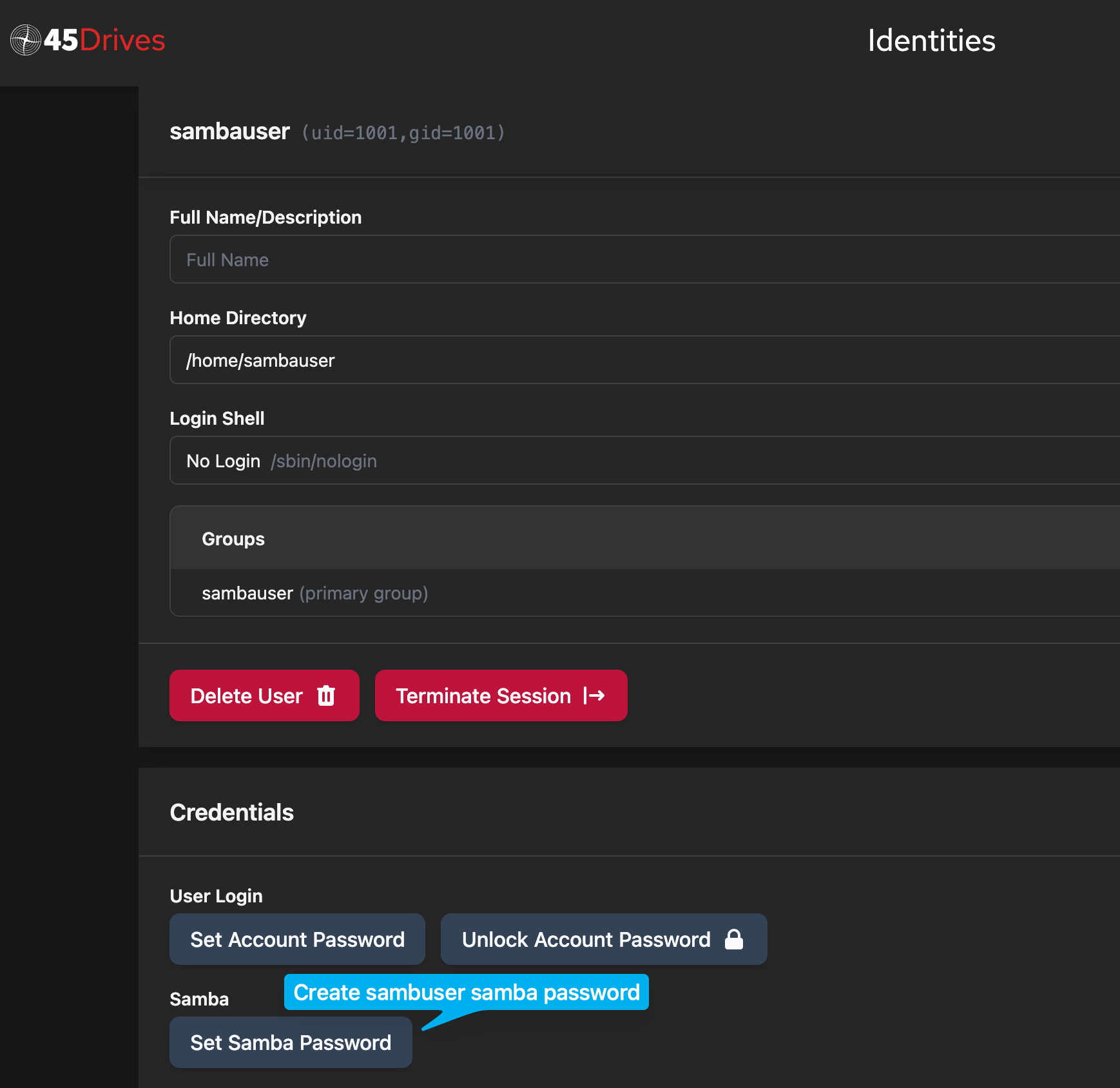
That’s it, sambauser now has access to network shared folders.